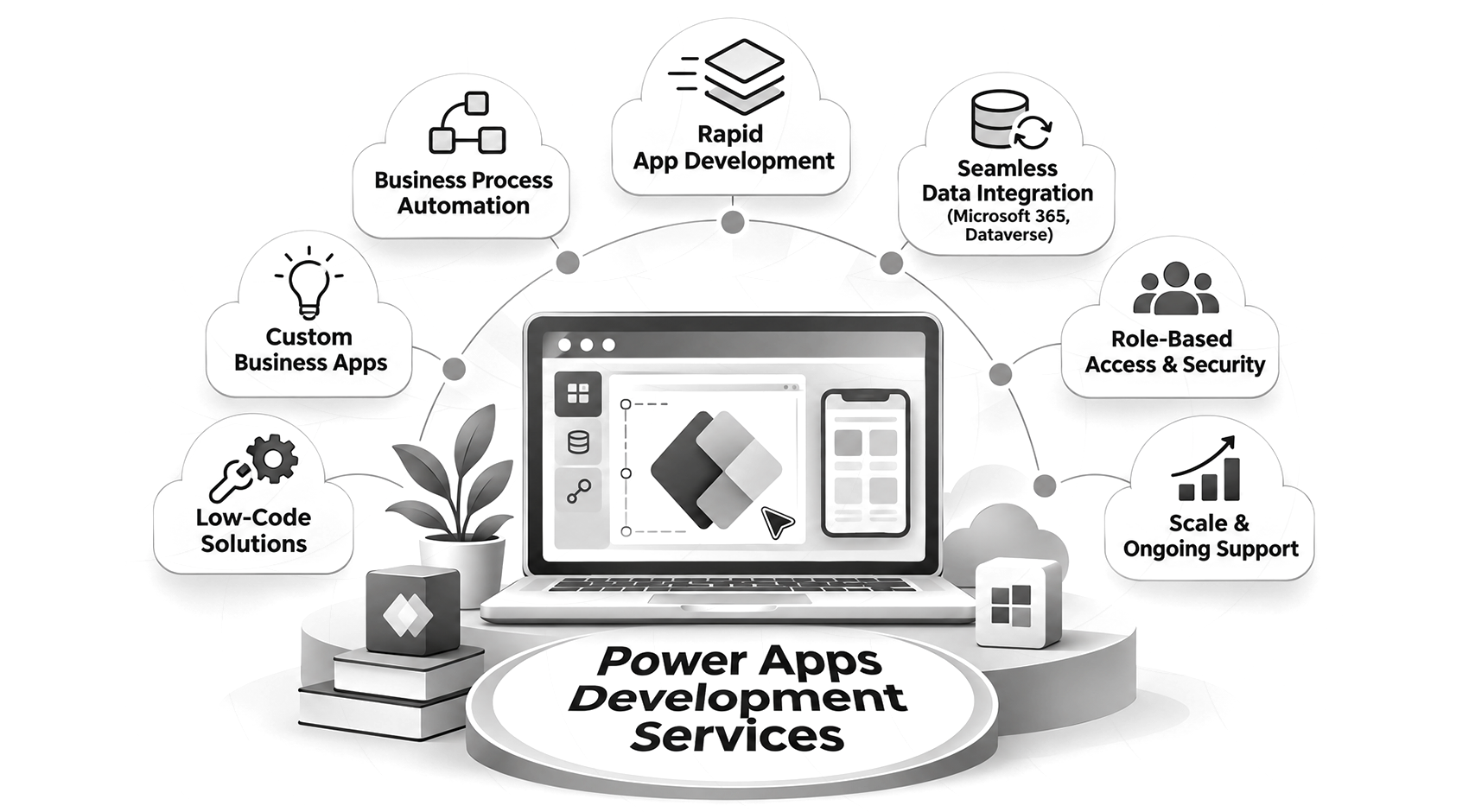
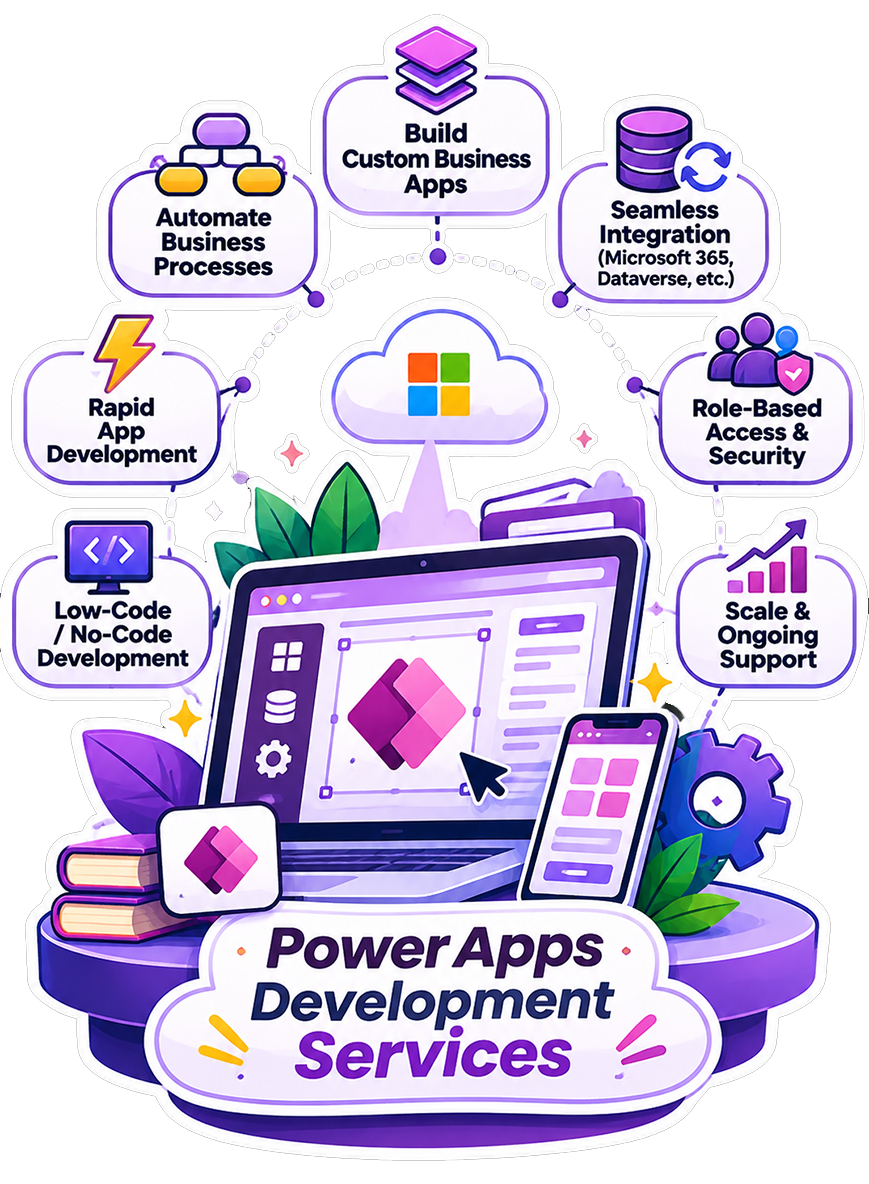
Power Apps Development Services

Stop chasing spreadsheet updates and approvals. Get
custom Power Apps that keep your team’s work moving.

Department workflows often rely on spreadsheets because packaged tools are rigid and custom development takes time. Power Apps replaces manual steps with low-code applications built around your processes.

Ansi ByteCode LLP provides Power Apps development services with security and governance planned from the start. We hold Microsoft Solutions Partner designations for Data & AI, Infrastructure (Azure), and Digital & App Innovation (Azure).

+
Years in AI & Software Development
+
AI & Software Projects Delivered
+
Certified AI & Technology Experts
%
Client Retention Rate

Why Enterprises Invest in Power Apps Development

Power Apps helps teams build applications around existing business processes. Connected data, automation, and security controls support faster delivery and reduce the effort of everyday work.

Faster Delivery Than Traditional Development

Business apps that take months in custom code can reach users in weeks. Drag-and-drop design, prebuilt connectors, and templates handle the routine work, and we add custom logic where your process needs it.


Built on Data You Already Have

Power Apps connect to Dataverse, SharePoint, SQL Server, and Excel. Teams can build applications around existing records, reducing duplicate data entry and keeping everyday workflows connected to the information they already use.

Enterprise Security and Governance by Default

Apps inherit Microsoft Entra ID identity, Dataverse security roles, and your tenant’s data loss prevention policies. That is usually where cheaper low-code tools fail a security review, and where Power Apps starts ahead.

Automation Without a Separate Project

Power Automate connects app actions with approvals, notifications, and data updates. These flows reduce manual handovers and help requests move between teams and systems, with error handling planned as part of delivery.

Copilot-Assisted Building and Maintenance

Copilot helps makers build apps and create or explain formulas through natural-language prompts. This can speed up routine development and help internal teams understand changes, with review and testing before those changes go live.

Lower Total Cost Than Custom Code

A bespoke .NET or Java app needs servers, patching, and a developer for every change. Power Apps runs on Microsoft’s platform, licensing scales with users, and routine changes skip the full release cycle.

Our Range of Power Apps Development Services

Our Microsoft Power Apps development services cover every stage, from choosing the first workflow to digitize through to support after launch.

Power Apps Consulting and Strategy

Teams that want to leave spreadsheets behind often have not scoped a specific app. We run process discovery, rank which workflows to digitize first, and recommend canvas, model-driven, or portal apps. You leave with licensing guidance and a cost delivery roadmap, so the first step carries little risk.

Custom Canvas App Development

Our custom Power Apps development services produce canvas apps designed around how a specific team works, not a generic template. They suit task-based and mobile-first scenarios such as field data capture, inspections, and approvals, with screens laid out around the device your team actually uses.

Model-Driven App Development

Some processes involve many related records, strict rules, and several stages. That is where model-driven apps fit. We build model-driven apps on Dataverse with the views, entities, and business logic that case management and multi-stage approval systems depend on.

Power Apps Portal and Power Pages Development

Customers, vendors, and partners often need to interact with your data without holding Microsoft 365 logins. We build Power Pages portals where external users sign in, submit self-service requests, track orders, and complete vendor onboarding, with access limited to their own records.

Power Apps and Dataverse Development

Apps that outgrow their data model need a redesign once usage climbs. We structure Dataverse tables, relationships, business rules, and security roles up front, so the app holds up past a handful of users and every app built on it stays consistent.

Power Automate and Workflow Integration

A form alone leaves the process half manual. We pair apps with Power Automate flows for approvals, notifications, scheduled data sync, and cross-system triggers, so a submitted request moves through each step and reaches the right system without anyone re-keying it.

AI Copilot-Integrated Power Apps

Business users want AI features inside the tools they already use, without waiting for a separate AI project. We embed Copilot Studio and AI Builder into apps for document processing, prediction, and natural-language queries, with data access configured for each feature.

Power Apps Integration Services

An app that cannot reach your other systems becomes another island of data. We connect Power Apps to SharePoint, Dynamics 365, Microsoft Teams, SQL Server, SAP, Salesforce, and other line-of-business systems through standard, premium, and custom connectors. Engineers confirm authentication and data ownership for each system first.

Power Apps Support and Managed Services

Once an app is live, usage exposes slow screens, new requests, and environment changes. We monitor performance, tune it, manage environments, and handle enhancement requests. Organizations that want to bring maintenance in-house receive documentation covering the app, data model, and flow logic.

Build Better Business Applications With Power Apps

Develop custom Power Apps solutions that improve productivity, automate tasks, and support your business goals.

Power Apps Development for Different Industries

Industry workflows often outgrow spreadsheets and disconnected tools. Power Apps connects applications to existing data, with access controls and governance configured around each organization’s operational requirements.

Healthcare

We build patient intake, scheduling, care coordination, and compliance tracking apps with HIPAA-aware access controls, so each team sees only the records it needs.

Finance and Banking

We build expense and budget approval apps, audit tracking, and internal reporting tools. Role-based access and data loss prevention policies help protect sensitive financial records.

Insurance

We build claims intake, triage, and policy document review apps connected to existing systems, reducing repeated data entry and making records available to authorized teams.

Manufacturing

We build mobile apps for quality inspections, equipment maintenance logs, and shop-floor data capture. Connecting these records to existing reporting systems reduces delays from paper-based processes.

Retail and Ecommerce

We build stock-check apps, store audit tools, and vendor onboarding portals connected to existing POS and ERP systems, helping teams keep records consistent across locations.

Logistics and Supply Chain

We build mobile apps for delivery confirmations, driver check-ins, warehouse inventory, and carrier compliance tracking. Configured offline capabilities let staff capture records and sync after reconnecting.

Custom Power Apps Solutions Built for Your Business

Our Power Apps development solutions address everyday operational needs. These applications connect tasks, records, and reporting, helping teams reduce manual follow-ups and keep work moving.

Employee Onboarding and HR Apps

Onboarding checklists, leave requests, and internal helpdesk apps replace email chains and spreadsheets. HR teams can track completed tasks, pending actions, and request histories without chasing updates.

Field Service and Inspection Apps

Mobile apps support site inspections, safety checklists, and technician job tracking. With offline capabilities configured, teams capture records without connectivity and sync automatically after reconnecting.

Approval and Workflow Automation Apps

Purchase, travel, and expense requests follow defined approval steps. Automatic routing, notifications, and escalation rules reduce delays and the time employees spend chasing sign-offs.

Inventory and Asset Management Apps

Inventory apps connect stock tracking, asset check-ins and checkouts, and maintenance scheduling to existing data. Teams keep records current without manually updating separate files across departments.

Customer and Vendor Portals

Self-service portals let customers and vendors submit requests, track orders or cases, and access documents securely. Record-level permissions limit access, reducing routine enquiries to internal teams.

Data Collection and Reporting Apps

Data collection apps capture field information once for use in Power BI dashboards. Teams avoid retyping records, while managers review operational updates through connected reporting.

The ROI of Power Apps Development

Forrester’s 2024 Microsoft-commissioned study evaluates Power Platform as a whole. Its findings illustrate potential value, rather than guaranteed Power Apps returns. Actual results depend on implementation, costs, and adoption.

Return on Investment

The study’s composite organization achieved a 216% return on investment and $93.06 million in net present value over three years. These modeled results cover the broader Microsoft Power Platform.

Where the Value Comes From

Development and IT cost savings totaled $61.4 million over three years. The study also reported up to 25% employee time savings through streamlined business processes and automation.

Turning Platform Capabilities Into Business Value

Realizing value requires more than licensing the platform. Ansi ByteCode LLP plans data models, security, integrations, and governance around your workflows, helping teams build applications that support measurable business outcomes.

Our Power Apps Development Process

A useful prototype still needs tested integrations, approved access, and clear support ownership. Your project moves through defined stages, with your process owners and IT team reviewing the decisions that affect daily operations.

Step 1: Discovery and Requirements

Engineers and consultants work with stakeholders to identify manual workflows, handover gaps, and integration needs. We map data sources, security requirements, and user roles, then agree what belongs in the first release.

Step 2: Architecture and Data Modeling

We choose the app type, define data relationships, and review licensing with IT. Environment boundaries, security roles, and integration dependencies guide the architecture so the proposed design fits your operational and access requirements.

Step 3: App Design and Development

Designers and developers build screens, configure data connections, and implement business logic. Canvas layouts follow device and workflow needs; model-driven forms follow the data model. Development takes place in an environment separate from production.

Step 4: Integration and Automation

Engineers connect the app to existing systems and configure Power Automate flows for approvals, notifications, and data synchronization. Authentication, data dependencies, and failure handling are reviewed so integrations support the complete workflow.

Step 5: QA and Testing

We test complete workflows, permissions, expected record volumes, and failure scenarios. Your users validate the agreed-upon acceptance criteria, including mobile or offline behavior where relevant, before IT approves the application for production release.

Step 6: Deployment and Ongoing Support

We deploy the app with monitoring and configured access. Documentation supports handover to your team, while ongoing support can cover bug fixes, performance tuning, environment management, and enhancements, depending on the engagement.

Industry Recognition

Why Businesses Choose Ansi ByteCode LLP for Power Apps Development

Moving from a working prototype to a production application requires sound architecture, reliable integrations, and clear governance. As a Microsoft Power Apps development company, Ansi ByteCode LLP brings these considerations into planning, delivery, and handover.

Microsoft Solutions Partner

Ansi ByteCode LLP holds Microsoft Solutions Partner designations for Data & AI, Digital & App Innovation (Azure), and Infrastructure (Azure), supporting delivery across data, applications, and infrastructure.

Apps Built Inside Your Existing Microsoft Tenant

We build applications within your existing Microsoft tenant. Identity, data access, and governance are configured to fit the environment and policies your IT team manages.

Governance Built In From Day One

Role-based access, data loss prevention policies, and environment strategy are part of the initial architecture, with controls configured and tested against your organization’s requirements before deployment.

Data Engineering Depth Behind the Apps

Most Power Apps that slow down or break at scale have a data-model problem, not a screen problem. Our data engineering background shapes Dataverse tables, relationships, and integrations before screen design starts.

You Own the App

Full handover includes the application, Dataverse schema, flow logic, and documentation, helping your internal team or another provider maintain the solution within Microsoft’s platform.

Transparent Fixed-Price or Time and Material Engagement

Fixed-price engagements define scope and cost upfront. Time and materials engagements support evolving requirements, with agreed rates, clear progress reporting, and visibility into ongoing spending.

10+ Years of Enterprise Delivery

Ansi ByteCode LLP has delivered enterprise software since 2014. That experience informs application architecture, testing, deployment, and support for systems used in everyday business operations.

Power Apps Technology Stack

We pick from this stack based on the systems your app must reach and the governance your IT team requires, and we use pro-code tools only where low-code runs out.

Power Fx

JavaScript

C# Logo

C#

HTML CSS

SQL

Microsoft Dataverse

SharePoint

Azure SQL Database

SQL Server

Power Automate

Copilot Studio

AI Builder

Azure Functions

MS Office logo

Microsoft Dynamics 365

Microsoft Teams

SAP

Salesforce

Custom and Premium Connectors

Web API Logo

Web APIs

Microsoft Entra ID

Power Platform admin center

Azure DevOps

Case Studies

See how we’ve helped businesses across industries solve real challenges with AI, from strategy and integration to full-scale deployment and measurable results.

What our Clients say About us

Don't just take our word for it. Here's what businesses across the US say about working with Ansi ByteCode LLP as their AI consulting partner.

FAQs About Power Apps Development Services

These answers explain what Power Apps covers, the factors affecting project cost and timing, and how integration and support work within an existing business environment.

Power Apps is Microsoft’s low-code platform for building business applications. Canvas apps offer flexible interface design; model-driven apps organize processes around Dataverse data. Both connect to data sources, with access controls configured for the application.

Power Apps development may cost $5,000 – $15,000 for a straightforward application. Complex workflows and enterprise integrations can exceed $50,000. These indicative build costs exclude recurring licensing, capacity, and support charges. Final pricing depends on scope and data requirements.

A straightforward canvas app with basic integrations may take 4 – 8 weeks from discovery to deployment. Complex integrations, data migration, approvals, and testing can extend delivery. The project timeline should be confirmed after requirements are assessed.

Yes. Power Apps connect to SharePoint, Dynamics 365, SAP, and other systems through standard, premium, or custom connectors. Integration requirements depend on authentication, available APIs, licensing, and whether an on-premises data gateway is needed.

Any team running approvals, inspections, or intake on spreadsheets and email. We see the fastest returns in healthcare intake, insurance claims, manufacturing inspections, and field logistics, where offline mobile capture removes paper entirely.

Yes. Support can include monitoring, bug fixes, performance tuning, environment management, and enhancements, depending on the agreement. Teams managing applications internally can receive documentation and knowledge transfer covering the app, data model, and automated flows.

Our Blogs

Explore our latest insights, guides, and expert perspectives on AI. This will help you stay informed and make smarter business decisions.

What Is Predictive Maintenance? How It Works and Why It Matters

Critical equipment doesn’t fail on schedule. A motor overheats without warning.

Agentic AI vs Generative AI: Which One Is Right Fit for You?

If you’ve been comparing Agentic AI vs Generative AI, you’re probably wondering which one can actually make a bigger difference to your business

Let’s build your dream together.